- The Grandson Techie
- Posts
- Issue: 033
Issue: 033
“Everyday Tech Upgrades That Make Life Easier"

Grandson Techie
December 10, 2025
Tech Tips, Tricks & Cybersecurity Advice – No Jargon, Just Help
Hey Techie,
This week we’re hitting simple, real-world improvements that boost clarity, save time, and cut down on digital stress, all using features built right into your devices.
🛡️ Cybersecurity Tip
Turn On “Bluetooth Device Approval” to Prevent Drive-By Connections
Modern phones can block unknown Bluetooth devices from trying to connect in public places (airports, malls, transit).
This protects against silent tracking tags, malicious beacons, and rogue requests.
iPhone:
Settings → Bluetooth → Ask to Join Networks (ensures manual approval every time)
Android:
Settings → Connected Devices → Connection preferences → Bluetooth → Device visibility OFF unless you’re pairing.
This prevents unsolicited pairing attempts, a real tactic used in crowded areas.
⚙️ Quick Tech Trick
Use “Reading Mode” for Eye Comfort and Zero Distractions
Both major platforms include a built-in distraction-free reader view that strips ads, pop-ups, and clutter from articles.
iPhone (Safari):
Open article → tap the “AA” icon → Show Reader
Android (Chrome):
Menu (⋮) → Reader Mode (Android 14+ or Chrome Labs enabled)
This is fantastic for news sites, long articles, recipes, and anything overloaded with ads.
🧯 Tech Emergency Prep Kit
Add ICE (In Case of Emergency) Info to Your Health App
Emergency responders really do check this.
iPhone:
Health app → Your Profile → Medical ID → Enable Show When Locked
Android (varies by brand):
Settings → Safety & Emergency → Medical info → Show on lock screen
Include:
First name
Allergies
Medications
Emergency contact
Blood type (only if confirmed by medical documentation)
This requires no apps and works even if your phone is locked.
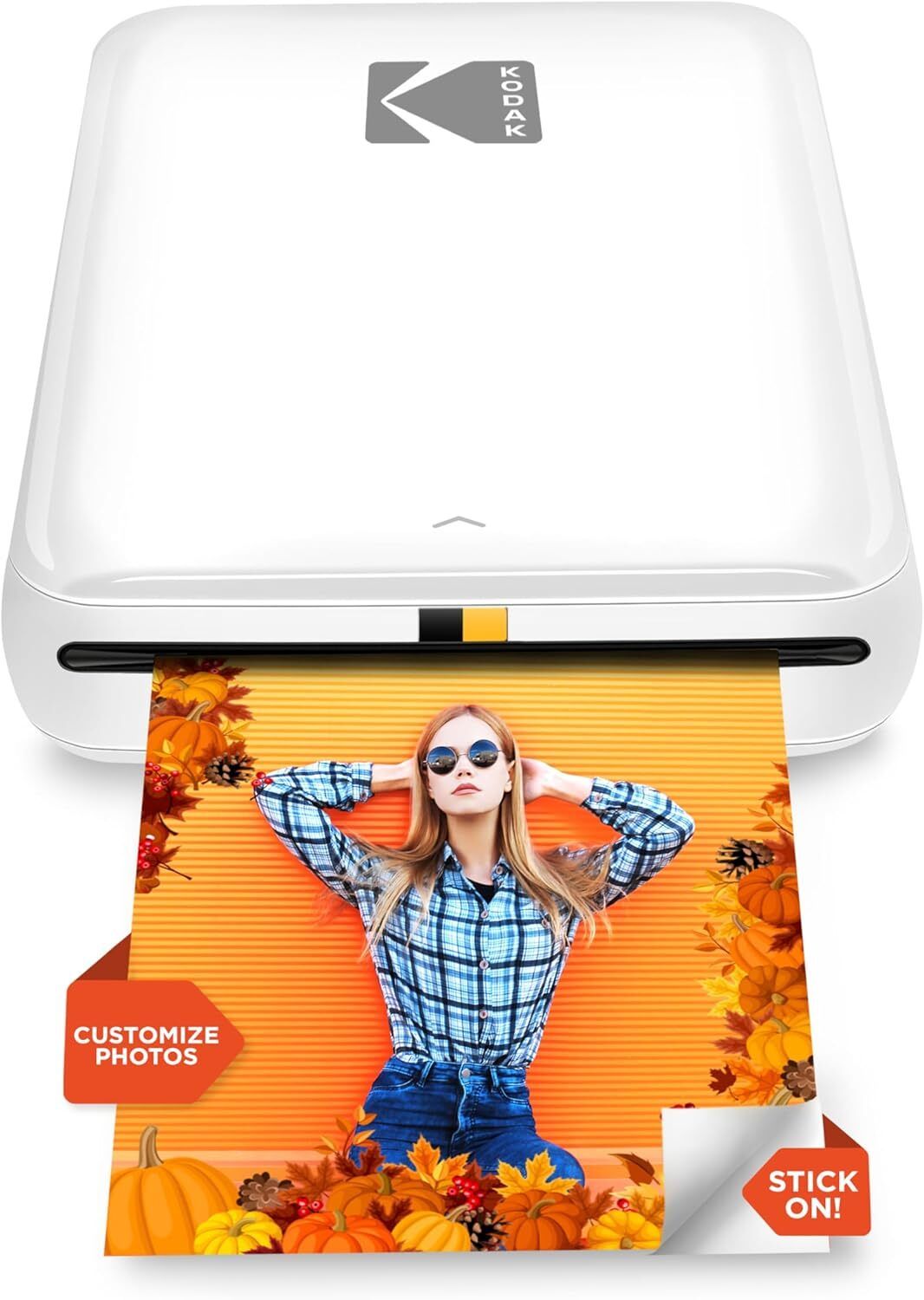
🕹️ Gadget of the Week: KODAK Step Instant Photo Printer
Got great photos trapped on your phone? Free them! The KODAK Step Instant Printer pops out 2×3 sticky photos right from your camera roll. No ink, no drama — just Bluetooth, a tap, and boom: instant memories.
Decorate your laptop, fridge, suitcase, journal… or hand guests a photo while they’re still smiling. The app lets you add filters, stickers, borders: all the personality, zero effort.
Buy it on Amazon: https://amzn.to/4k6QGXL
Stay safe and savvy,
—Your Grandson Techie
Reply